
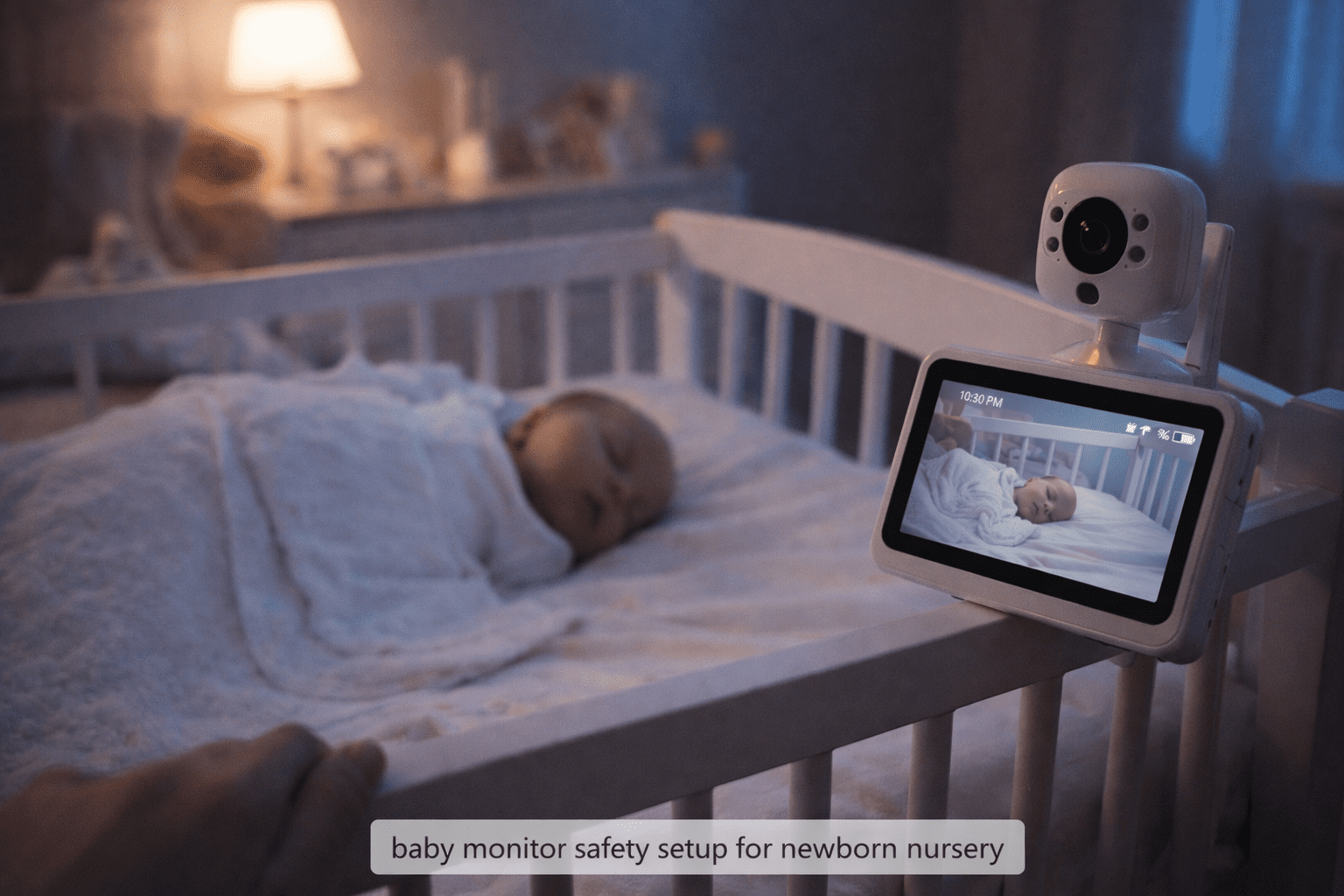
Introduction: The Moment Every New Parent Understands
At 2 a.m., when your baby finally falls asleep, something magical happens — silence.
But instead of relaxing, most parents feel a new worry.
“Is my baby breathing?”
“What if they roll over?”
“Should I keep checking the crib?”
This is why baby monitors became one of the most loved parenting tools. They promise peace of mind. They help parents rest while still watching their little one.
But a big question many parents quietly ask is:
👉 Are baby monitors truly safe?
Understanding baby monitor safety is important because while monitors can support parenting, using them incorrectly or choosing the wrong type can create unexpected risks — from privacy concerns to false security.
In this ParentNest guide, we’ll walk you through the real truth in simple, practical language — no fear, no confusion, just honest parenting advice.
Why This Problem Happens
Many parents assume baby monitors automatically make babies safer. But safety depends on how the monitor is used, not just owning one.
Here’s why concerns about baby monitor safety have grown in recent years.
1. Technology Changed Faster Than Parenting Advice
Older monitors were simple audio devices. Today’s monitors include:
Why This Problem Happens
Many parents assume baby monitors automatically make babies safer. But safety depends on how the monitor is used, not just owning one.
Here’s why concerns about baby monitor safety have grown in recent years.
1. Technology Changed Faster Than Parenting Advice
Older monitors were simple audio devices. Today’s monitors include:
- WiFi streaming
- Smartphone apps
- Night vision cameras
- Motion tracking
- Sleep analytics
While helpful, more technology also means more risks if not set up properly.
2. WiFi Connectivity Introduced Privacy Concerns
Modern smart monitors connect to the internet.
This creates potential issues like:
- Weak passwords
- Unauthorized access
- Data privacy exposure
These are known as wifi baby monitor safety risks, and they usually happen due to poor setup, not because monitors themselves are dangerous.
3. False Sense of Security
A monitor is a tool, not a replacement for supervision.
Some parents unknowingly rely too much on screens instead of safe sleep practices.
Experts emphasize:
Baby monitors help observation — they do not prevent emergencies.
4. Overwhelming Product Choices
Parents face hundreds of options labeled:
- “Smart”
- “AI-powered”
- “Breathing detection”
- “Medical-grade”
This marketing makes it difficult to identify the best safe baby monitors that are actually practical and secure.
Signs Parents Should Notice
How do you know if your current setup may not support proper baby monitor safety?
Look for these warning signs.
🚩 Technical Signs
- The camera disconnects often
- App logs out repeatedly
- Strange noises from the monitor speaker
- Delay in video feed
🚩 Placement Issues
- Monitor placed inside crib
- Wires hanging near the baby
- The camera is too close to the sleeping area
🚩 Parenting Behavior Signs
- Constant anxiety, checking the screen
- Ignoring safe sleep guidelines
- Using a monitor as a babysitter substitute
If you notice these, it may be time to improve your baby monitor safety setup.
Expert Tips & Solutions for Baby Monitor Safety
Parenting experts recommend balancing technology with common-sense safety.
According to the American Academy of Pediatrics safe sleep guidelines…
Here’s what truly works.
✅ Choose Non-WiFi Models for Maximum Privacy
Non-WiFi monitors use closed radio signals instead of internet connections.
Benefits:
- Cannot be hacked online
- Faster connection
- No app dependency
Ideal for parents who want simplicity.
✅ Secure WiFi Monitors Properly
If using smart monitors:
- Create strong passwords
- Enable two-factor authentication
- Update firmware regularly
- Use private home networks
Most safety risks disappear when basic digital hygiene is followed.
✅ Keep Monitors at Safe Distance
Safe placement rule:
👉 At least 3 feet (1 meter) away from crib
This prevents:
- Strangulation hazards
- Overheating concerns
- Device falling risks
✅ Use Monitor as Support — Not Replacement
Best practice:
- Follow safe sleep guidelines first
- Use monitor only for observation
Think of it as an extra pair of eyes, not protection itself.
✅ Turn Notifications Into Helpers, Not Stress
Avoid alert overload.
Set only essential alerts such as:
- Sound detection
- Movement alerts (optional)
Too many notifications increase parental anxiety.
Step-by-Step Guide: How to Set Up a Safe Baby Monitor
Follow this ParentNest-approved checklist.
Step 1: Select Safe Location
- Mount the camera on wall or a shelf
- Avoid crib rails
- Ensure stable placement
Step 2: Hide All Cables
Use:
- Cable covers
- Wall clips
- Cord organizers
Never leave cords reachable.
Step 3: Secure Digital Settings
- Change the default password
- Disable remote sharing
- Update software
Step 4: Test Before Night Use
Check:
- Video clarity
- Audio delay
- Night vision visibility
Step 5: Practice Balanced Monitoring
Check periodically instead of continuously watching.
Parents need rest too.
Common Mistakes Parents Make
Even loving parents make these unintentionally.
| Mistake | Why It’s Risky | Better Choice |
|---|---|---|
| Placing a monitor inside the crib | Safety hazard | Mount on the wall |
| Using default passwords | Privacy risk | Create a strong password |
| Watching the screen all night | Parental stress | Use alerts instead |
| Buying an overly complex monitor | Tech frustration | Choose a simple model |
Recommended Baby Products (Soft Affiliate Section)
When choosing monitors, focus on safety features, not marketing hype.
Features to Look For
- Encrypted signal
- Clear night vision
- Stable connection
- Adjustable mounting
- Low EMF certified models
Parent-Friendly Categories
1. Non-WiFi Video Monitors
- Best for privacy-focused families
- Plug-and-play simplicity
2. Secure WiFi Monitors
- Remote viewing when traveling
- Smart alerts
3. Audio Monitors
- Budget-friendly
- Minimal tech exposure
👉 ParentNest Tip: The safest monitor is the one you understand and use correctly.
Safety Tips Every Parent Should Follow
Safe Sleep Still Comes First
Always remember:
- Baby sleeps on back
- Firm mattress only
- No pillows or loose blankets
- Empty crib
A monitor does NOT replace safe sleep habits.
Reduce Screen Anxiety
Try this rule:
Check baby — not the screen — before reacting.
Monitors should reduce stress, not increase it.
Keep Devices Updated
Updates fix security gaps and improve performance.
Schedule monthly checks.
FAQs About Baby Monitor Safety
Are baby monitors safe for newborns?
Yes, when placed correctly and used along side safe sleep practices.
Can WiFi baby monitors be hacked?
Rarely, but weak passwords increase risk. Proper security settings greatly improve baby monitor safety.
Do baby monitors emit harmful radiation?
Most operate at very low power levels similar to household devices. Keeping distance from crib reduces exposure further.
Is video monitor better than audio?
Depends on parenting style. Video offers reassurance; audio offers simplicity and privacy.
Should monitors stay on all night?
Yes, but avoid constant watching. Use alerts instead.
What is safest monitor type?
Many experts prefer non-WiFi closed-system monitors for maximum privacy.
Can baby monitors prevent SIDS?
No device can prevent SIDS. Safe sleep practices remain the most important protection.
Final Thoughts: Parenting Is About Balance, Not Perfection
Every parent wants one thing — a safe sleeping baby.
Baby monitors can provide reassurance during those emotional early months. They allow parents to breathe, rest, and regain confidence.
But true baby monitor safety comes from understanding their role.
They are helpers, not guarantees.
The safest home combines:
❤️ informed parents
❤️ safe sleep habits
❤️ thoughtfully used technology
At ParentNest, we believe confidence grows when parents feel informed — not frightened.
You’re not just watching your baby sleep.
You’re learning to trust yourself as a parent.
And that may be the greatest safety tool of all.